Exactly who, right on the screen
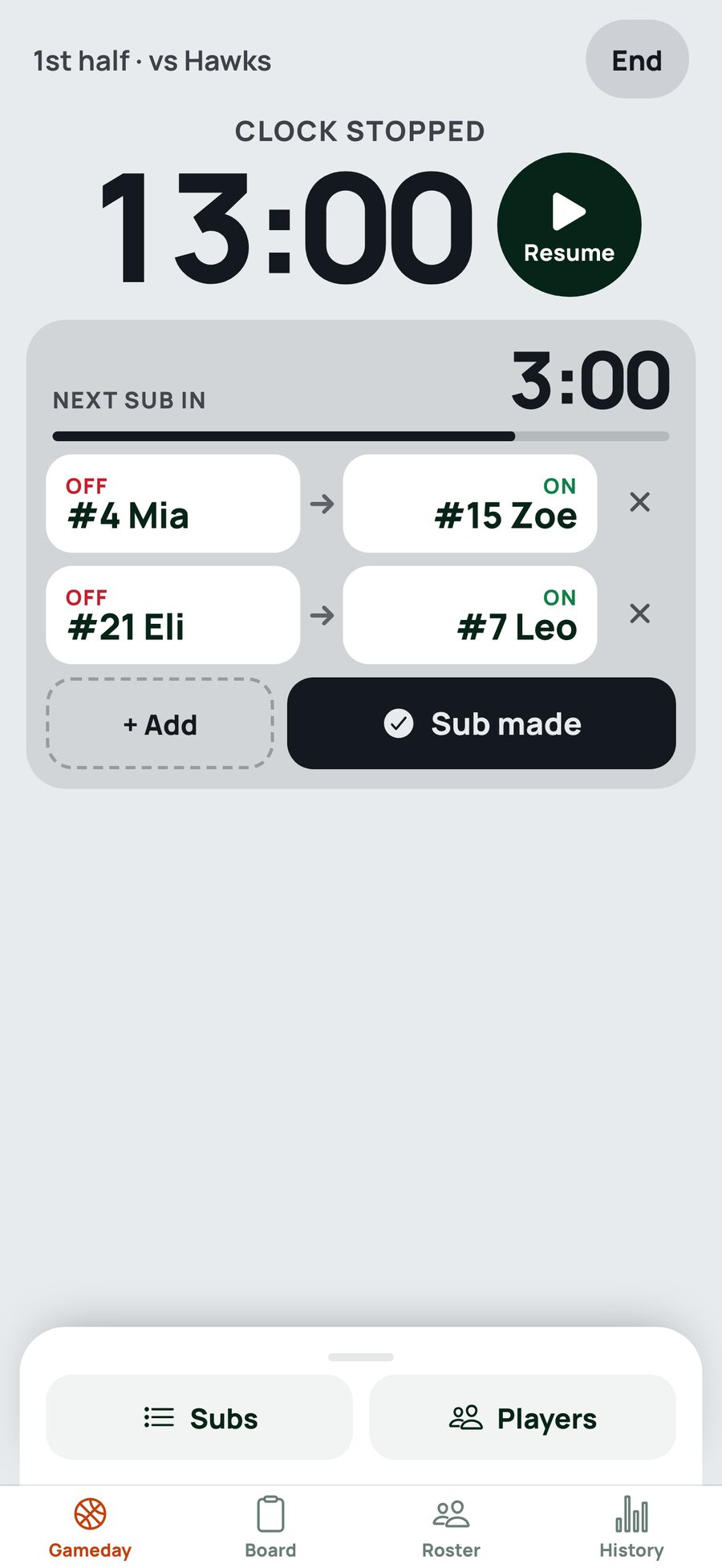
The next sub is on the live screen as real pairs: who comes off, who goes on. Tap a name to change it, cross one out, add another. Then one tap: Sub made.
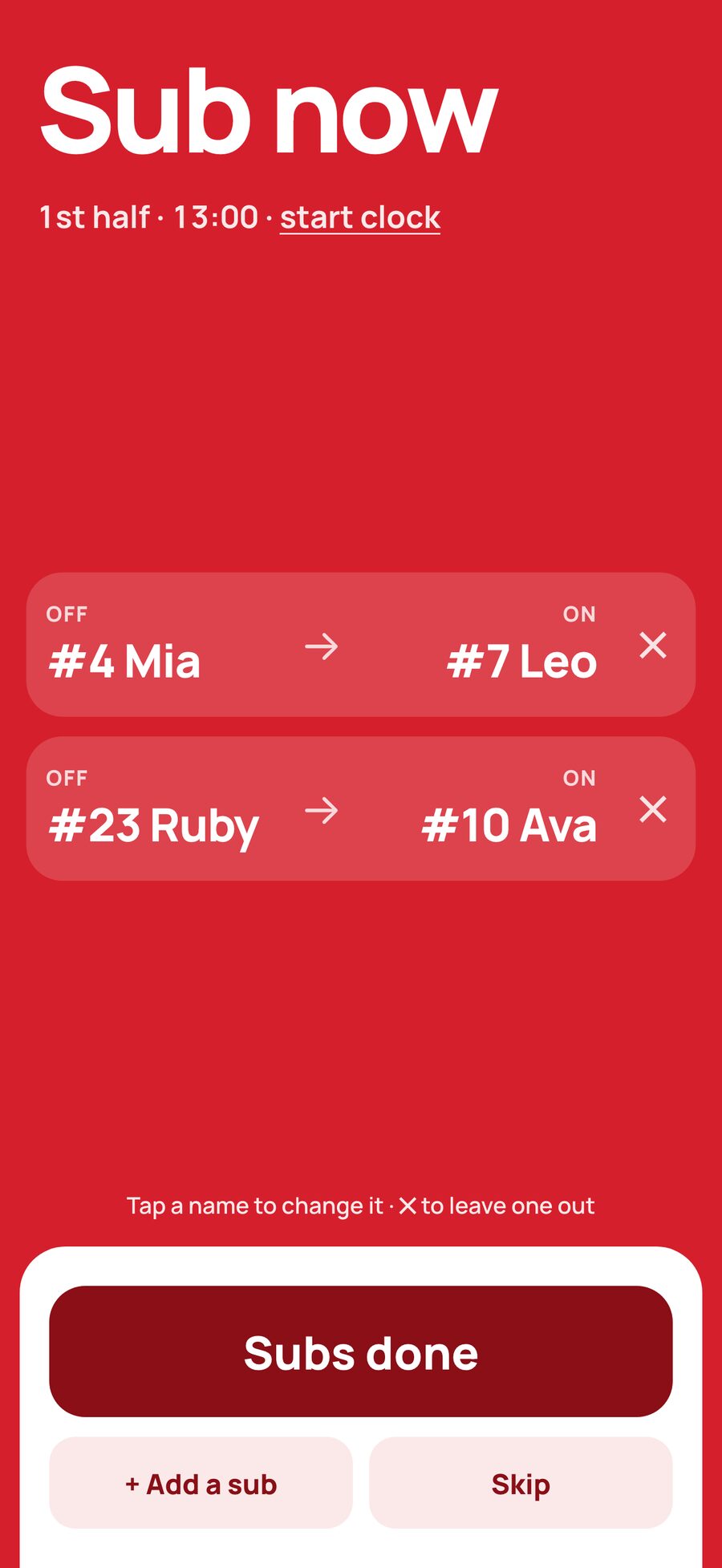
Bench Boss plans your rotation so every kid gets their minutes, then buzzes, vibrates and flashes the moment a sub is due, with exactly who comes off and who goes on. Late arrivals, injuries and missed subs just rebalance the rest of the game.
Free to try. Works offline and installs to your home screen.
Built for the bench
The whole screen is the state, readable from across the court while you are watching the game, not the phone.
The next sub is on the live screen as real pairs: who comes off, who goes on. Tap a name to change it, cross one out, add another. Then one tap: Sub made.
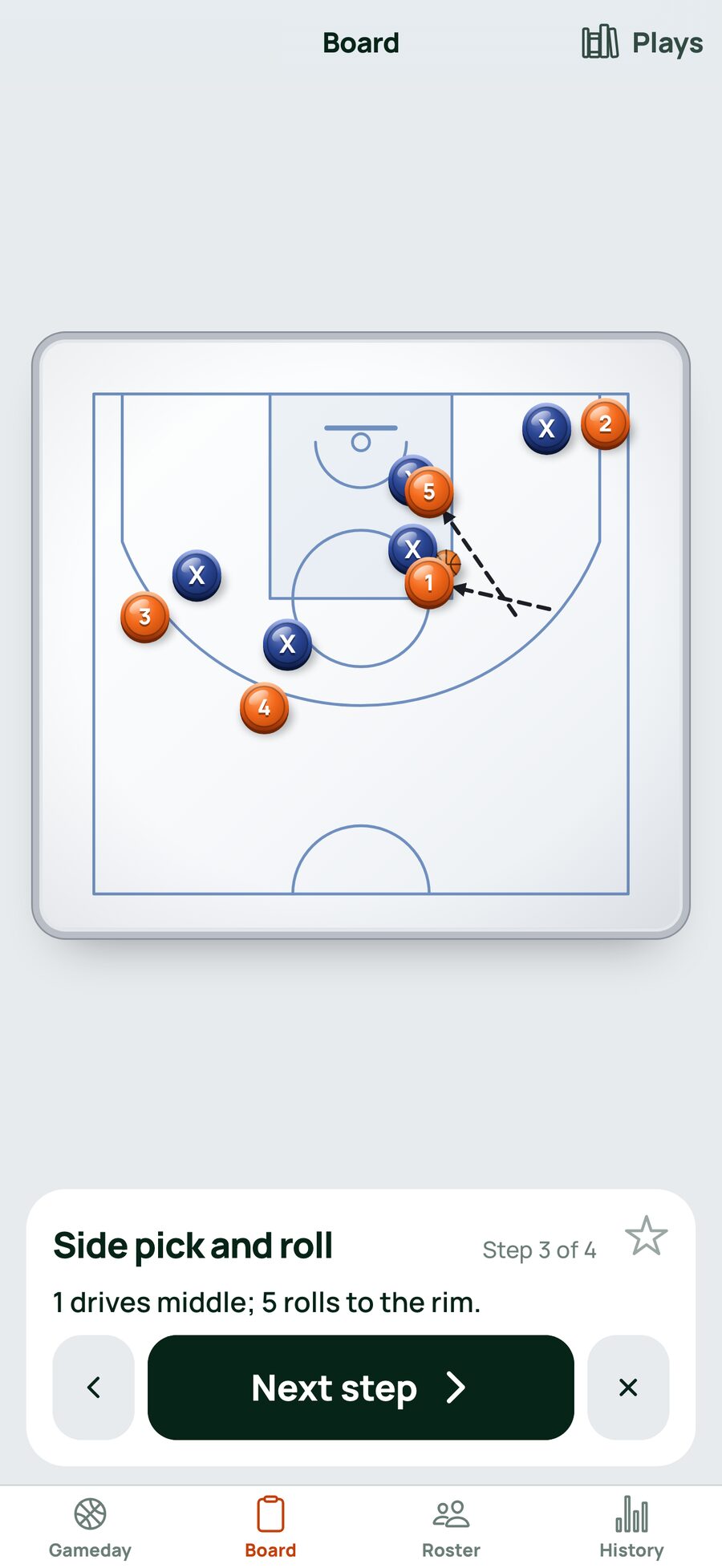
Drag your five and theirs as magnets around a half court, draw with a marker, a finger or Apple Pencil, and step through a library of 40-odd plays. Star your favourites.
Minutes are worked out from who is here, whole-line changes or one, two or three at a time.
Hit Sub made too soon? Undo puts back the lineup, the minutes and the countdown.
Tap the clock to nudge it. The minutes of whoever is on court move with it.
The alarm
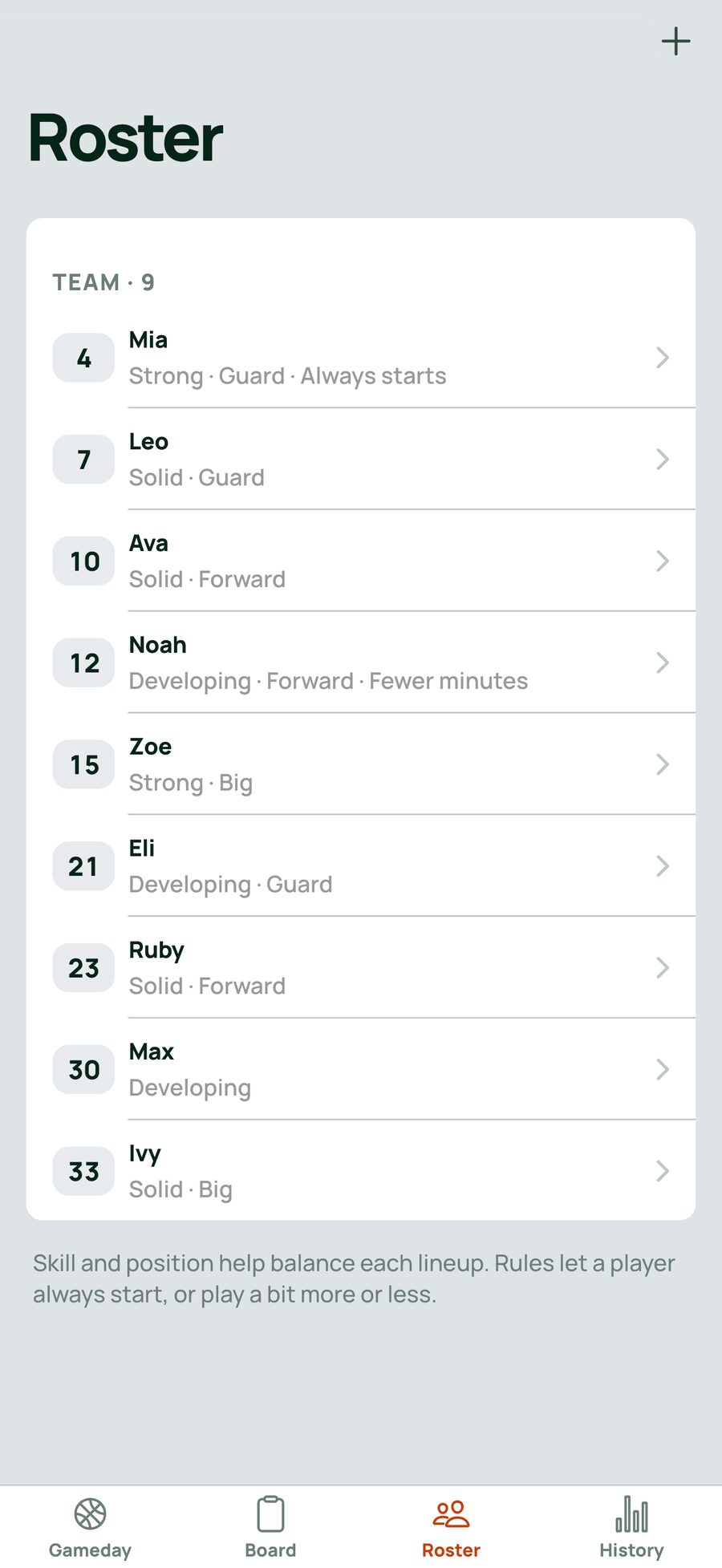
On Roster
On Gameday
On the live game
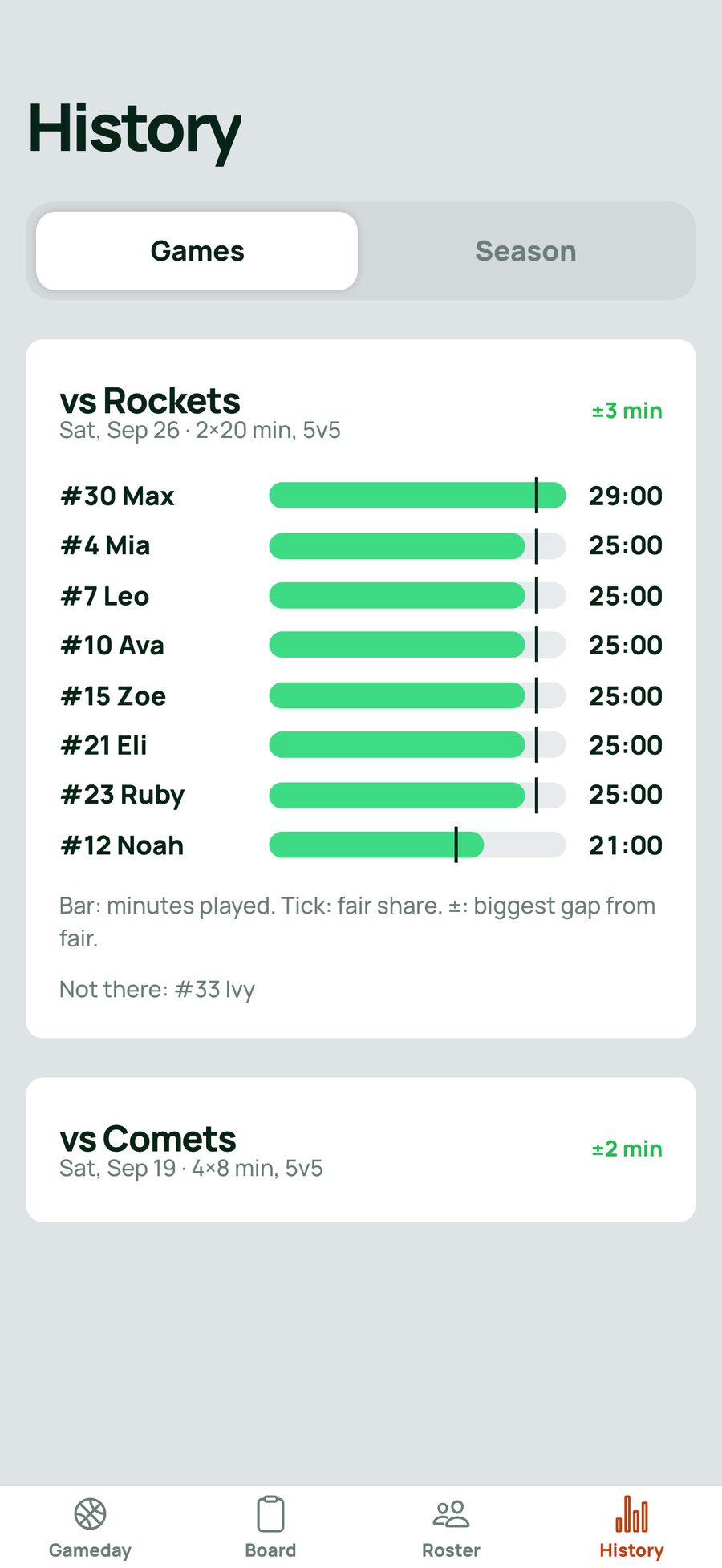
On History
Each kid's minutes against their fair share, for every game and across the season.
No. Bench Boss Basketball runs in your browser at bench-boss.jeremymarks.com.au.
Yes. Open it with no signal and it still runs. It updates itself quietly when there is one.
On your device. Bench Boss Basketball keeps what you enter in the app on the device you entered it on. The privacy policy says exactly what does and does not leave it. Read the privacy policy
Email support@harfredlabs.com, or see the support page. Support